
Visual guides that can leave the screen
QuiltMath's calculations now come with a clearer visual explanation — and Premium turns each guide into a practical plan you can print or keep beside your fabric.
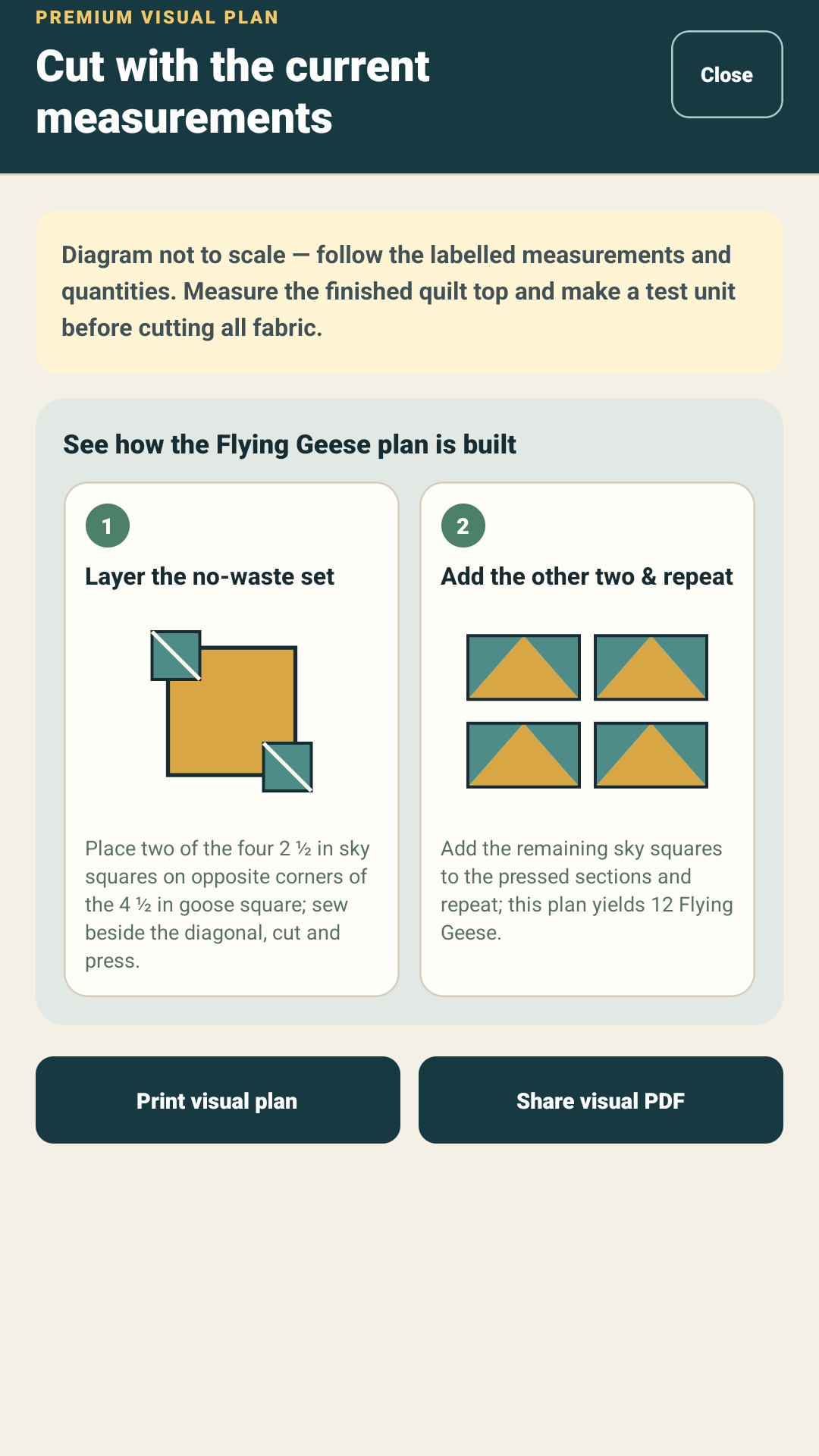
Every calculator now has a guide
Binding, Backing, half-square triangles, Borders, Sashing, Flying Geese, quarter-square triangles and Continuous Bias Binding now pair their results with a diagram. The guides show where measurements belong and how the planned pieces relate to the finished work, without covering the drawing with labels.
Premium Visual Plans
Premium opens each guide in a clean full-screen view with the current measurements included. From there it can be printed or shared as a standalone PDF. This is useful when only one construction step belongs at the cutting table; the existing complete cutting-sheet PDF remains available for whole-project records.
Premium also adds five construction calculators — Borders, Sashing, Flying Geese, quarter-square triangles and Continuous Bias Binding — plus local saved projects that can be updated or duplicated without creating an account.
Built and checked as part of the calculator
The guides work offline, support inches and centimetres and were checked on physical Android hardware and tablet layouts. They explain the calculation rather than replacing a pattern: directional prints, repeats and pattern-specific instructions still deserve a final check before cutting.
Current release status
These Visual Plans remain part of the current QuiltMath 1.4.2 Closed-testing release. The refreshed phone and tablet store images are published in Google Play.