
 iPhone & iPad · First release in preparation
A new hello is nearby.
Waiting for a flight, taking a break, or exploring somewhere new? Open Here helps you start a conversation with people around you — and agree on a place to meet.
A simple way to break the ice
Open to a conversation
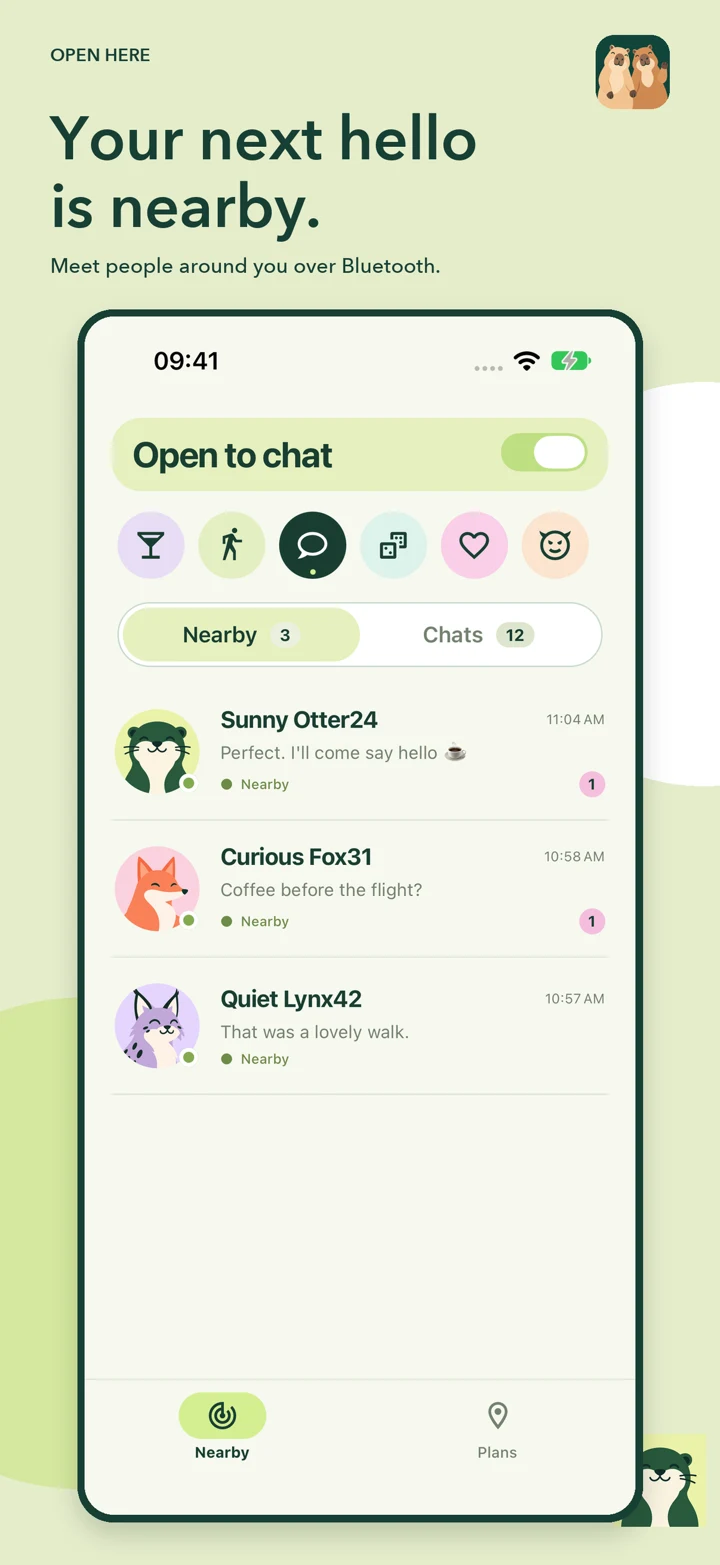
Choose a mood: a chat, a walk, coffee or another shared intention. People nearby appear with friendly animal avatars. No account, photo or profile setup is required.
Bluetooth nearby, internet further away
Nearby messages use Bluetooth. Existing conversations can continue through the internet relay when Bluetooth is unavailable and return to Bluetooth when you reconnect nearby.
Your conversations, your names
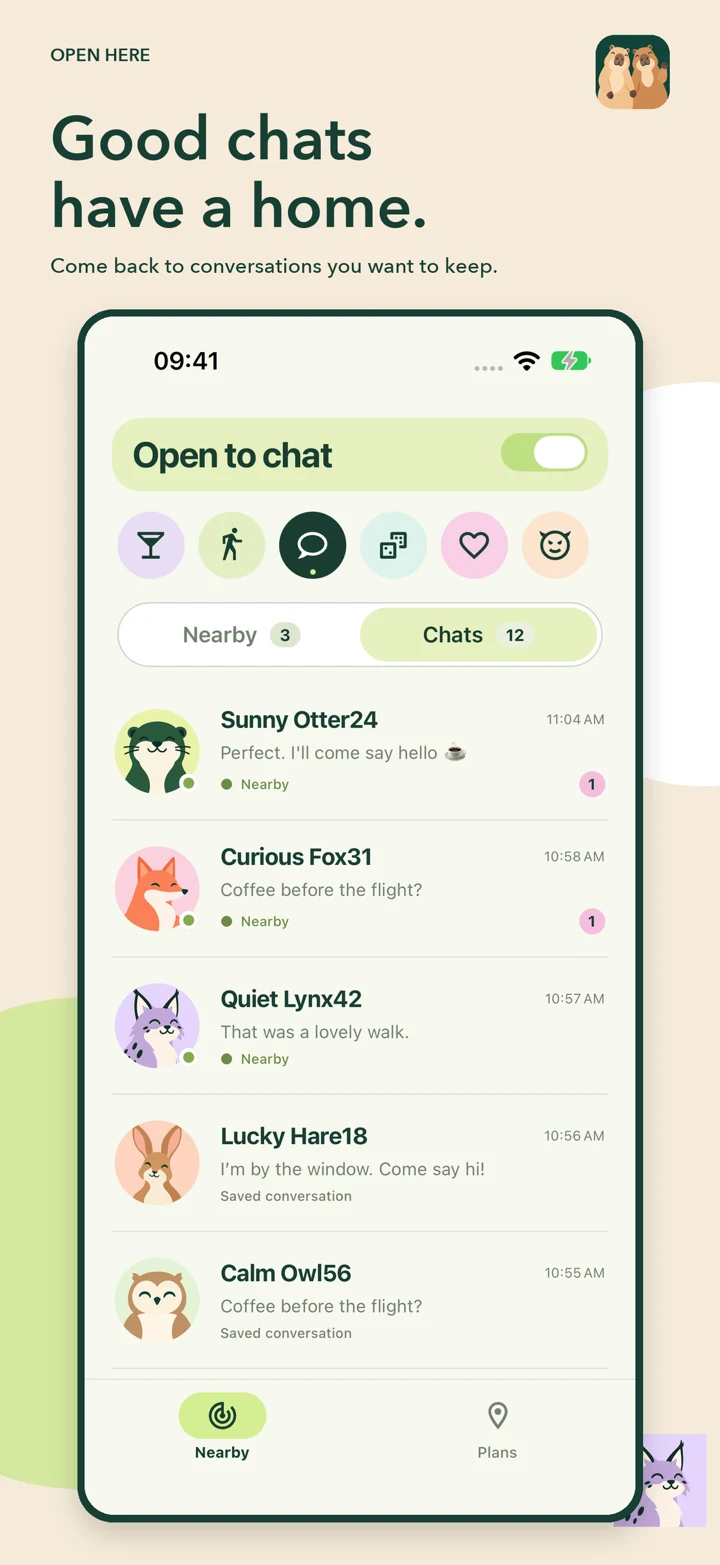
History and drafts stay on your device. Give someone a name you will recognise; only you see it. Swipe left on a conversation to delete its local history.
A plan for later
Place a pin, choose a time and share what you feel like doing. Edit, move or delete your plan. Pins share plans; they do not automatically match people.
From “hello” to “see you there”
1. Be open
Enable Bluetooth, open Open Here and turn on Open to chat. Nearby discovery needs the app open on both devices.
2. Start a conversation
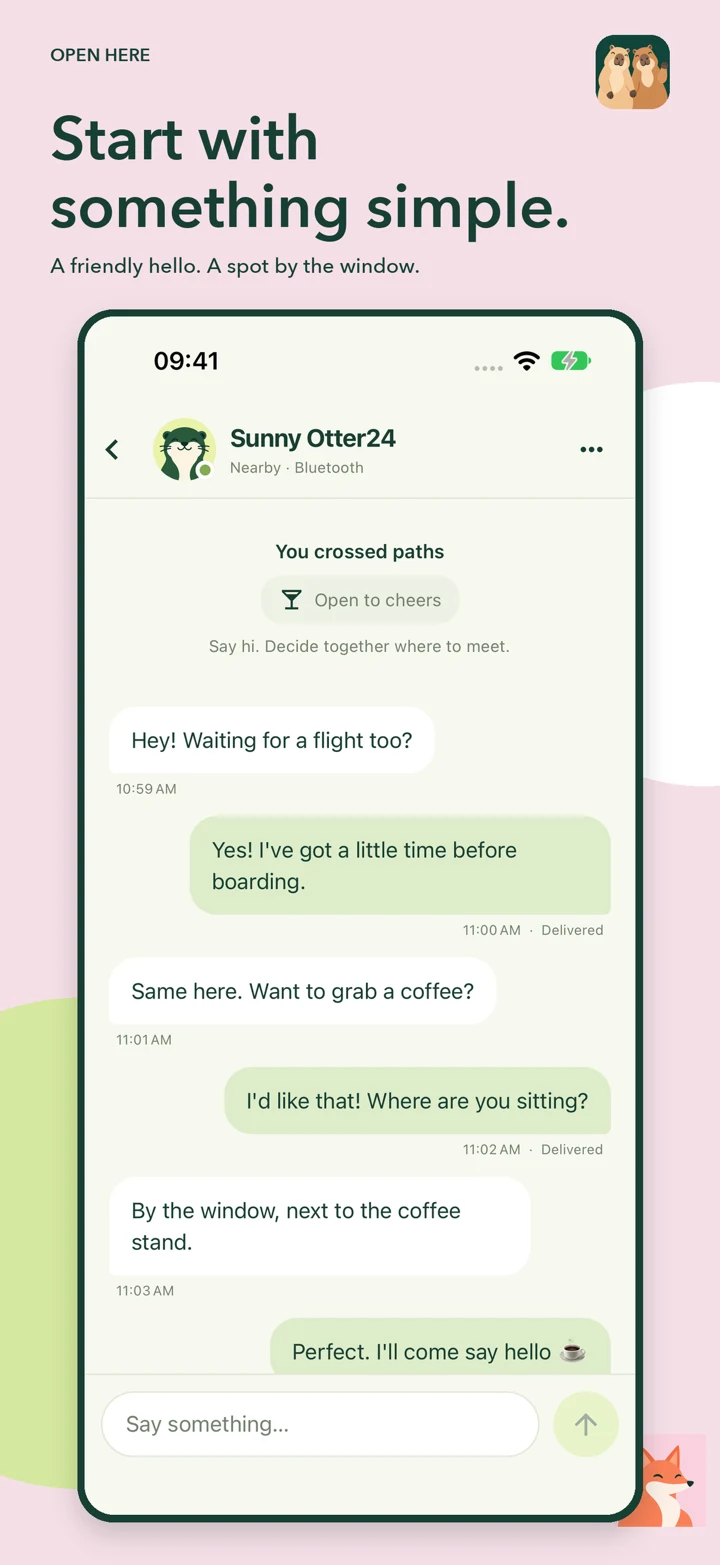
Say hello. Ask about the journey, suggest a coffee, or find a shared interest. The interface switches between English and Russian with one tap.
3. Find each other
Use the chat to agree on a recognisable spot, such as the coffee stand or a particular entrance. Open Here does not provide directional tracking.
Keep the app open for discovery and messaging. Plans and internet delivery need an internet connection. Background delivery and push notifications are not available.
A friendly face for every hello
A look inside the iPhone app, with illustrative conversations.
Support & safety
Need help?
Email brokenmanstudios.project@gmail.com. Tell us your device model, iOS version and what happened. Include screenshots only if you want to share them with support.
Unwanted conversations
Open the conversation menu to block a person or report concerns. Reporting opens an email draft; nothing is sent automatically. A basic on-device filter catches some direct threats and explicit harassment, but cannot identify every kind of abuse.
Deleting a chat
Swipe left, tap Delete and confirm. Messages, the draft and your custom name are removed from your device. The other person keeps their copy; a new message can reopen the conversation. Deletion does not erase encrypted relay records.
Privacy questions
Read the Open Here privacy policy or email contact@brokenmanstudios.com. No advertising or tracking SDKs are included.