
Every rail, cut right the first time.
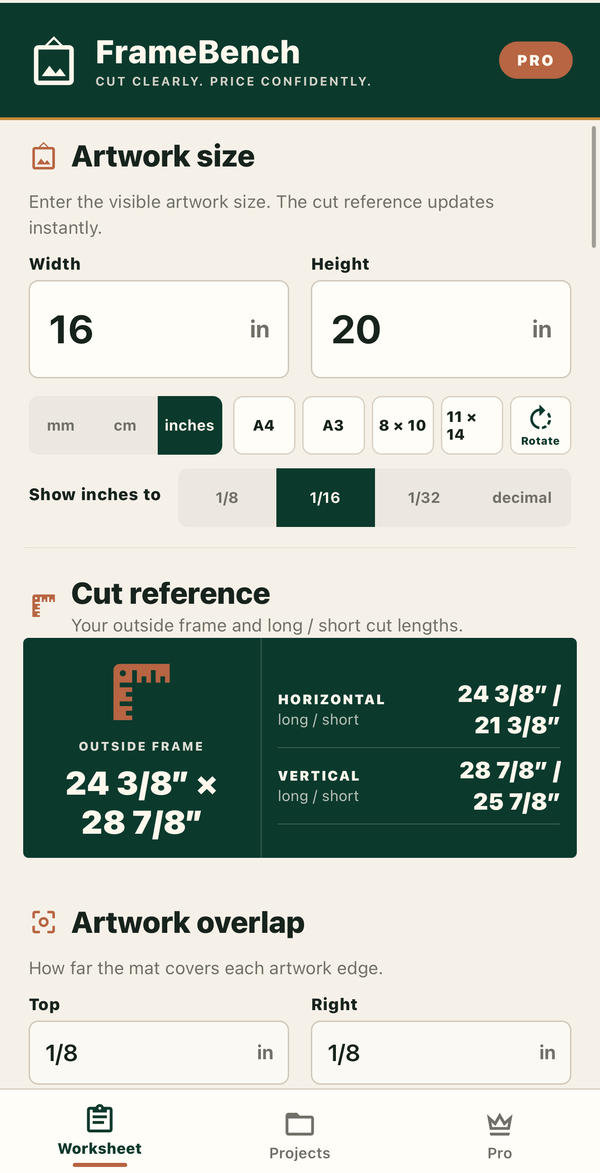
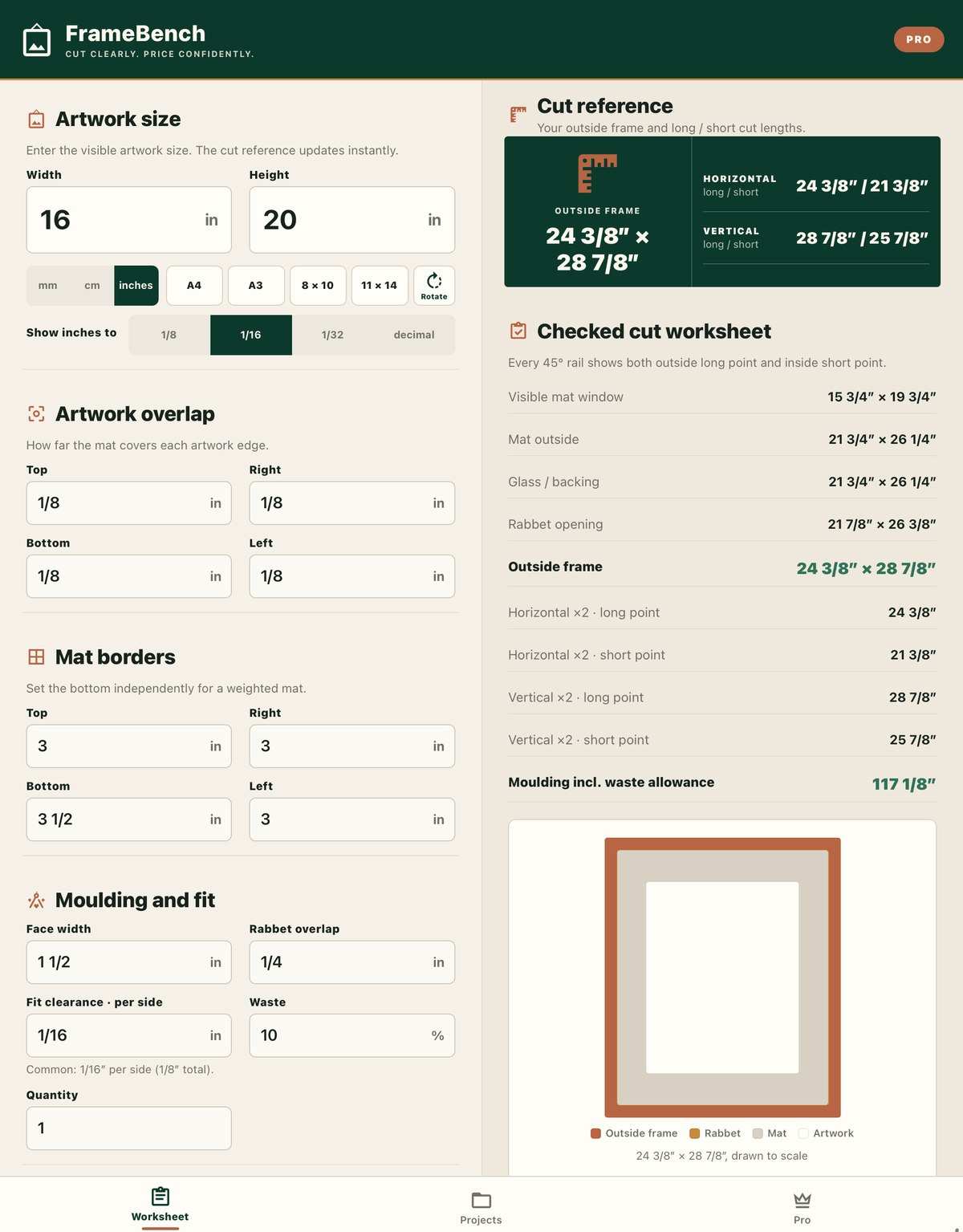
FrameBench is a bench-side calculator for picture framers. Enter the artwork size and get the mat window, glass, rabbet opening, outside frame and the long and short point of every 45° rail — in inches to 1/32″ or in millimetres.
What FrameBench does
Version 1.1 for iPhone and iPad is available on the App Store. The core worksheet is free to use; FrameBench Pro is an optional upgrade that adds the business side of the bench.
Checked cut worksheet
Mat window, mat outside, glass and backing, rabbet opening and outside frame, plus the long point and short point of every rail.
Inches the way you write them
Type 13 5/8, 13-5/8 or 13⅝ and read results to the nearest 1/8″, 1/16″ or 1/32″. Switch to millimetres or centimetres at any time.
Weighted mats and real fit
Set each mat border separately, artwork overlap per side, fit clearance and rabbet overlap.
Frame drawn to scale
See the frame, mat and artwork in proportion, so a wrong number looks wrong before it costs a stick.
Work order PDF and 3 saved jobs
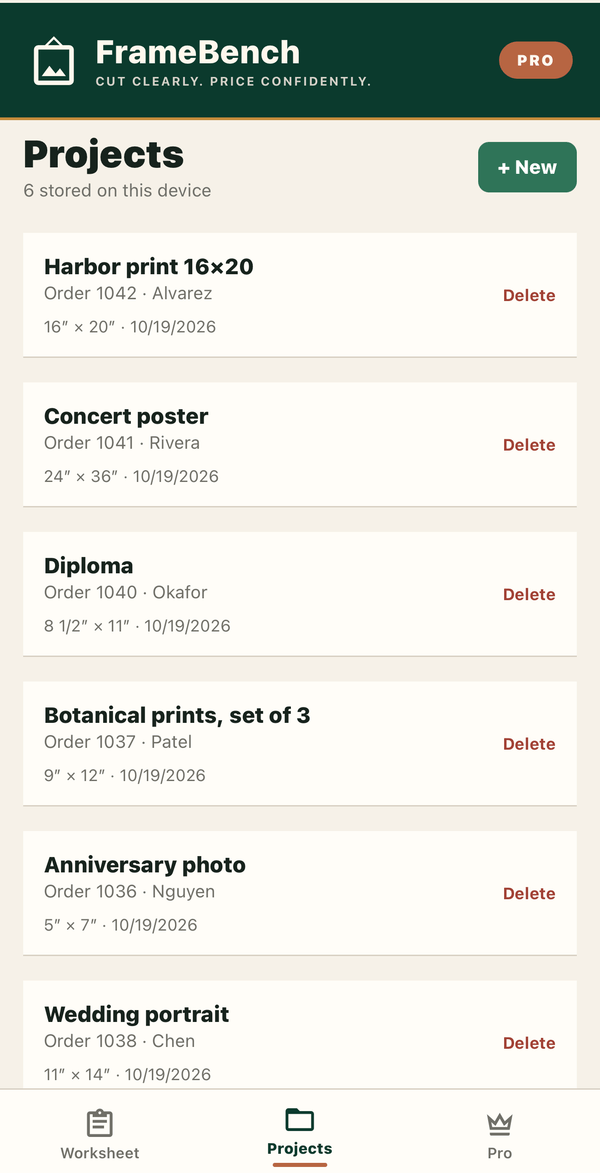
Share a work order with your workshop name, and keep up to three jobs on the device.
No account, no ads, no analytics
Jobs, rates and workshop details stay on your device. FrameBench works without a connection.
FrameBench Pro
An optional one-time in-app purchase. No subscription.
Stock-stick plan
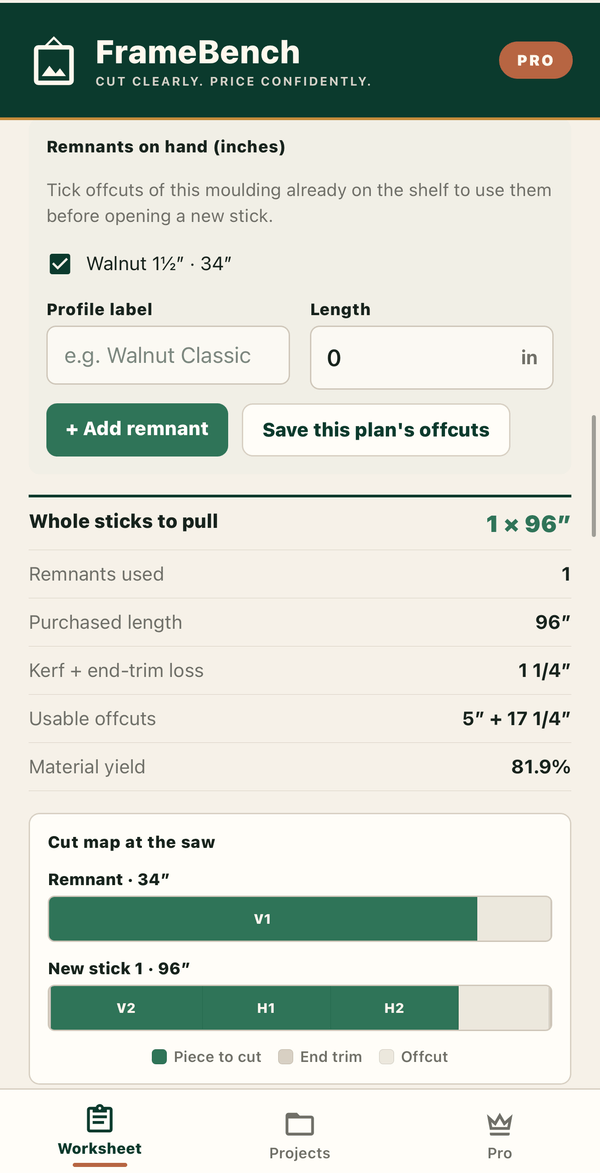
How many sticks to pull, with saw kerf, end trim, remnants already on your shelf and a labelled cut map for the saw.
Profit guard
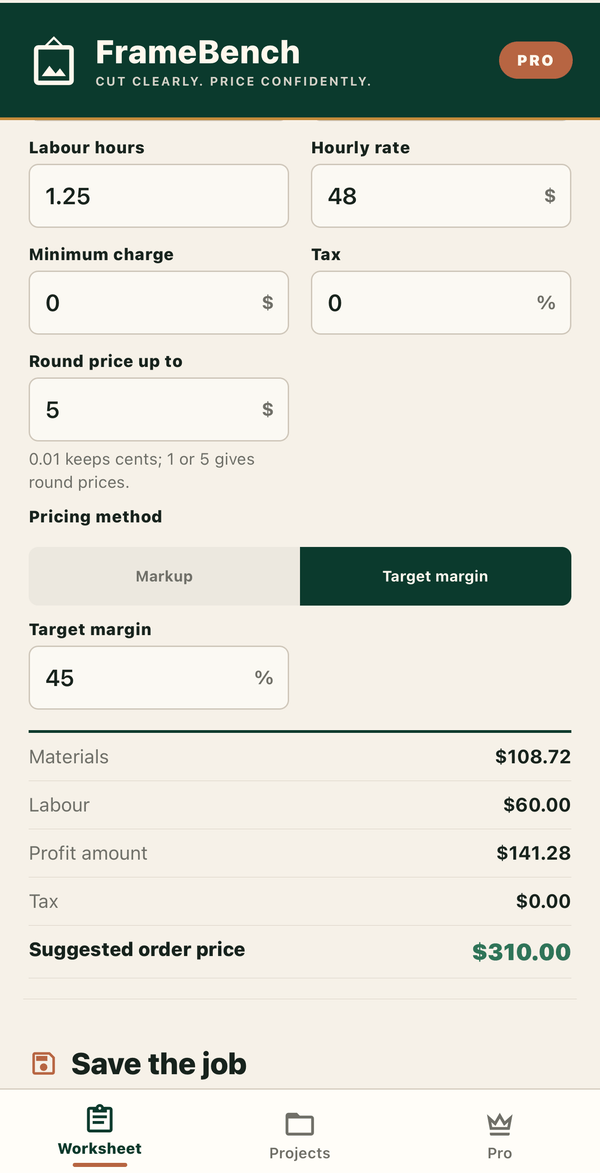
Materials, labour, tax and minimum charge, priced by markup or by true target margin, with saved rate presets.
Client quote PDF
A clean quote for the customer that never shows your costs or margin.
Unlimited saved jobs
Keep every job with its customer reference, notes and price.
How the numbers work
FrameBench shows a planning estimate, not a guaranteed cut sequence. Here's what it assumes, so you know what you're getting before you cut.
What's the difference between mat window, outside size and rabbet opening?
Artwork size, the mat's visible opening, the rabbet opening and the outside frame size are always shown as separate figures — FrameBench never collapses them into one ambiguous "frame size".
Is the stock-stick estimate a cutting sequence?
No — it's a deterministic best-fit-decreasing purchasing estimate: how many whole sticks to buy and the expected offcuts. Profile defects, grain matching and shop-specific chop conventions remain the framer's call.
Why are markup and target margin kept separate?
The same percentage produces a different selling price depending on whether it's applied as markup on cost or as a target margin on price — FrameBench labels each mode explicitly instead of guessing which one you meant.
Should I still verify before cutting?
Yes — always verify actual moulding profiles, rabbet dimensions, saw setup and the final cutting sequence before cutting or ordering material.
Screenshots
FrameBench 1.1 on iPhone and iPad, with a sample 16 × 20″ job. Select any screenshot to open the full-size image.

Available on the App Store
FrameBench 1.1 is available for iPhone and iPad running iOS or iPadOS 16.4 or later. The cut worksheet is free; FrameBench Pro is an optional upgrade.
Already upgraded? Use Restore purchase with the same Apple Account. Questions or workshop feedback: email the studio.